Choose a hero role before choosing a tier letter
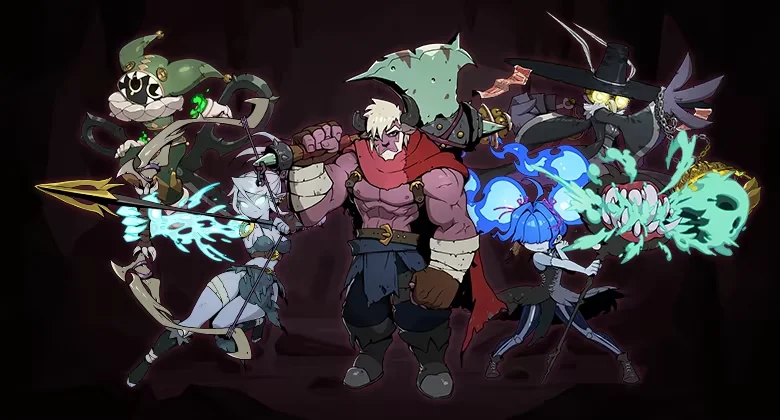
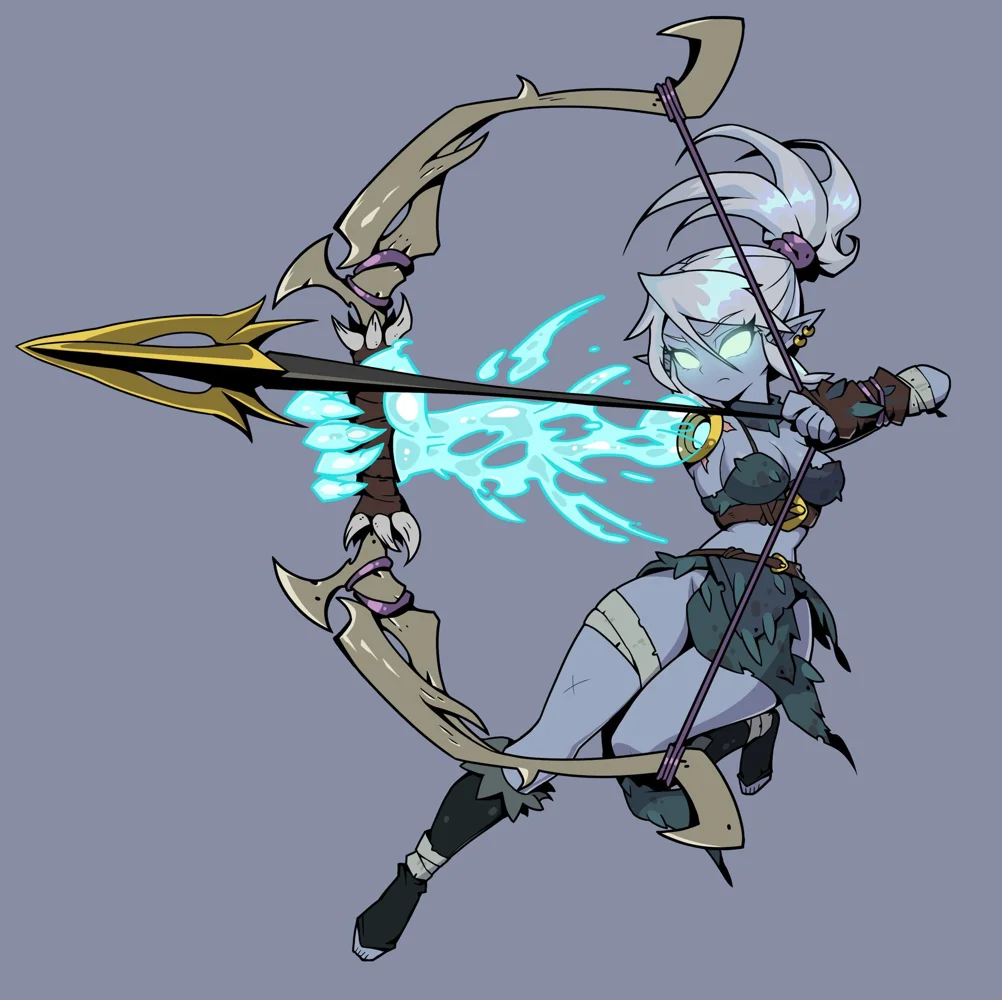
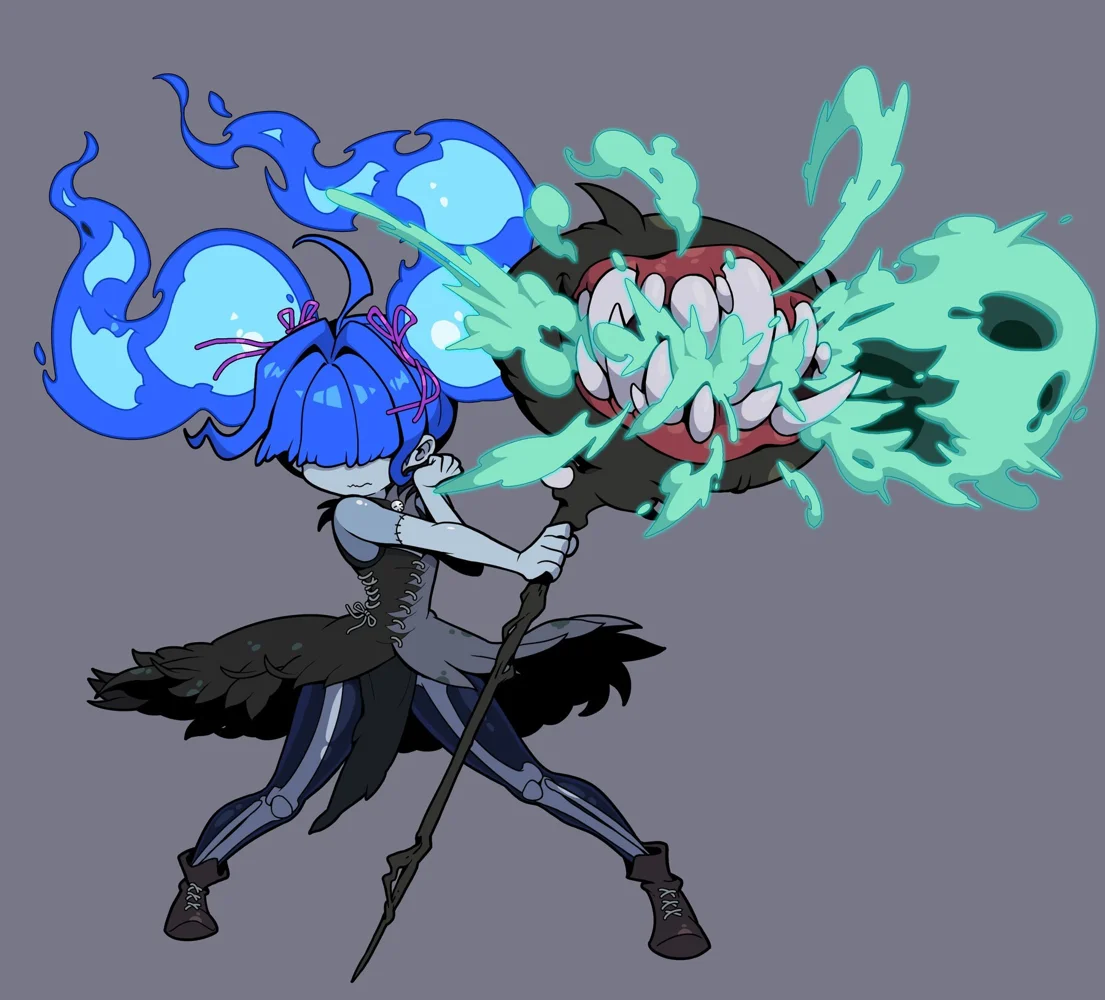
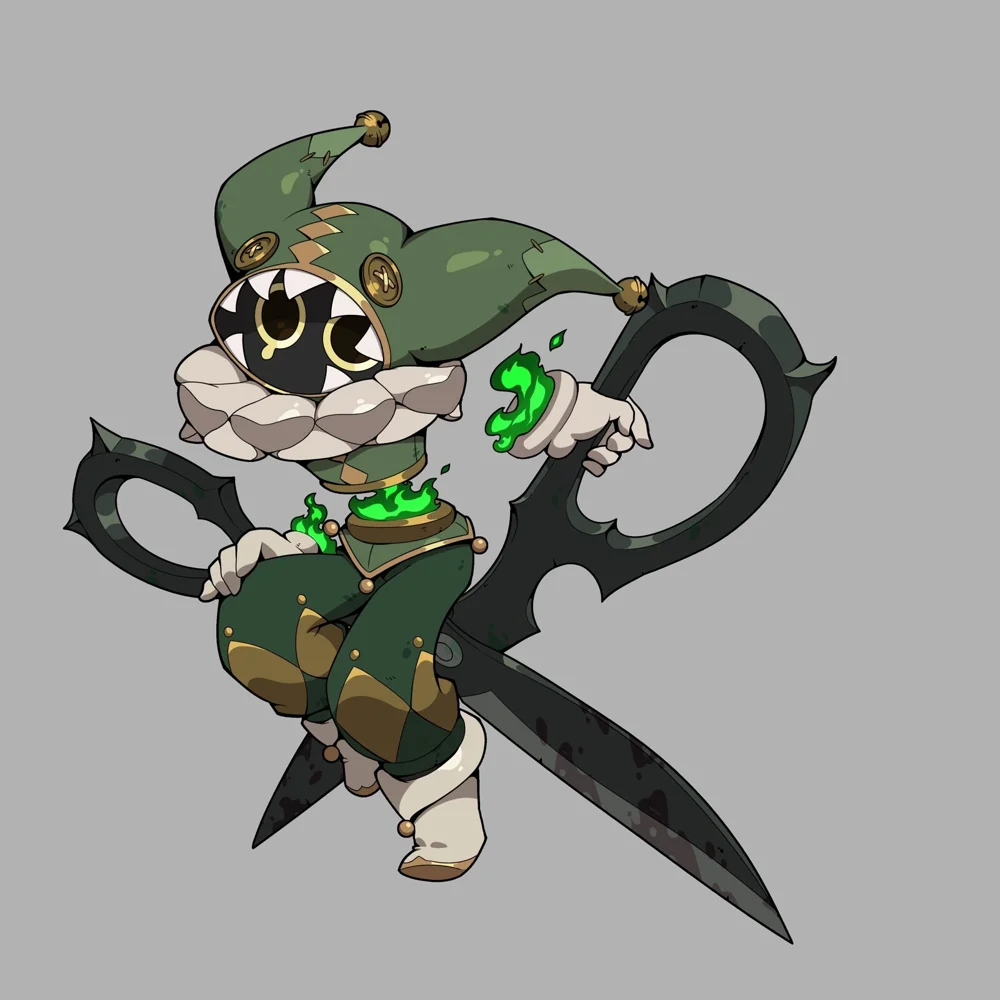
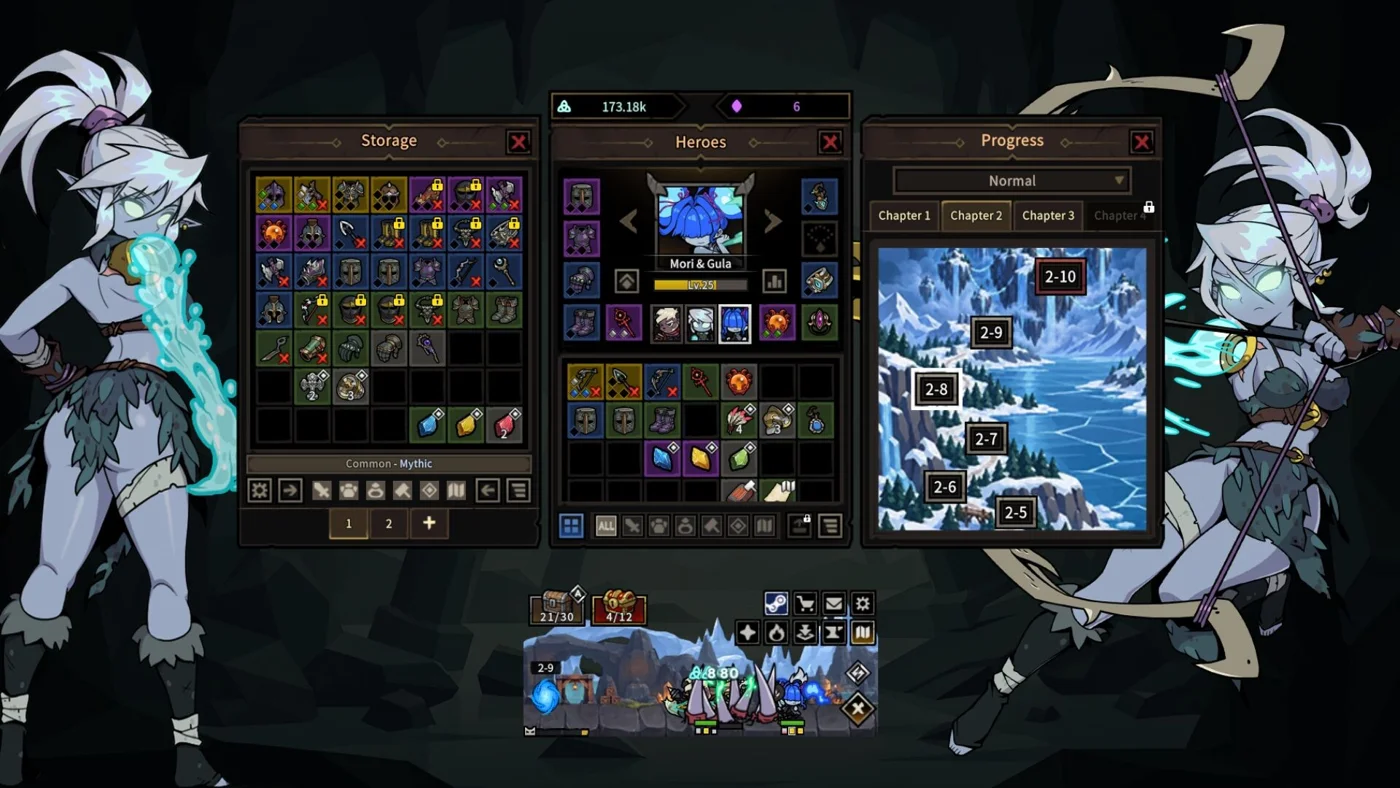
A squad needs its heroes to keep doing their jobs throughout the encounter. Our starter recommendation is Minos in the front-line role, Diana as the ranged basic attacker and Mori & Gula as the protected mage. Chopper adds a different melee playstyle through his character pack. The investment order changes with the problem: first stop the front line collapsing, then improve damage that continues through the boss phase.
The tier list ranks investment priority, with a reason and a situation that changes each recommendation. The character pages now describe roles, squad fit and gear priorities. Named skill examples from pre-release logs retain that context, while release notes identify actual tooltip changes such as Gluttony and Wraith's Blessing.
Equipment: identify the item, then decide whether it helps
The equipment page contains 30 observed official Steam listings with names, rarity and category. Wearable gear is separated from attachments. Shadow Fragment Bow is Main Hand, while Shadow Fragment Arrow is Off-Hand; the names are related, but buying one does not fill the other's slot. The table also includes Armor, Accessory, Gem, Decoration and Sigil entries.
Use this list to identify an item and its official listing, then check the equip requirement and effects in your game. It is not a price forecast or a claim that every listed item is a good upgrade. We omit saved prices and quantities because they change, and link each row to Steam so the current listing can be inspected directly.
The developer's Market guide allows eligible Legendary-or-higher equipment to be transferred into Steam Inventory for sale. The DPS account must be at least three days old, and Steam's own restrictions still apply. The Market guide explains the transfer and listing steps, as well as the November 15 fix that added rarity to wearable item names. Sale proceeds go to Steam Wallet.
Before consuming gear, use the Workshop guide. Fusing, crafting and salvaging are distinct actions. Version 1.0.3 excludes locked items from Auto-Fuse and Auto-Salvage and preserves those settings after restarting. Protect keeper gear before enabling automatic processing; a restart does not turn the saved rules off.
Campaign checkpoints and chapter bosses
The official achievement list identifies four chapter bosses. The table gives their names and points toward the documented stage changes that are useful when progression stops. Difficulty matters: completing a Normal checkpoint is different from an achievement that names Torment, Hell or Nightmare.
The stage notes keep the actual patch change at the top, then identify the squad decision it informs. Normal 2-9's change concerns the final wave; it does not explain a failure several waves earlier. Normal 2-10 and 4-10 receive boss damage and HP reductions. These are specific, useful differences even though the announcement does not provide numeric percentages.
For Torment 1-10, do not silently substitute the Hard label used by the English patch announcement. The stage index keeps that distinction visible. We do not generate a 160-row enemy and drop catalog from a chapter-count calculation or publish an attack timeline without encounter evidence.
Engravings and achievable progress goals
The progression board is named Engravings in Steam's official achievement definitions. The runes guide lists the first-node, first-special-node, 100-node and 200-node milestones. It also distinguishes these nodes from equipment Sigils, so that two different systems are not merged into one spending plan.
The complete 58-achievement checklist gives the actual condition for each named goal. It includes first-use actions, Soul totals, gear acquisition, chapter bosses, login streaks, pets and solo-hero challenges. Start with actions you already need while learning the game rather than consuming useful resources for a checklist entry.
Some titles are easy to overread. Open 24 Hours requires claiming Offline Rewards at their maximum; the title does not define the cap. No Empty Kennels explicitly requires seven base pets and excludes DLC pets. Fused Into Legend confirms that Legendary-or-higher gear can be a Fusing result, but does not state a success probability.
Covered version and recent official changes
Client patch coverage: v1.0.3 · public Steam build 26637932. Content and source review: November 16, 2026. Operational Market notices are listed separately from client balance changes.
Read the official Steam announcements for their full wording. Our 34-question FAQ turns the recurring decisions into direct answers with a source beside each one. The shared method for comparing a build change lives in the beginner guide, leaving the individual pages focused on their hero, stage or equipment task.